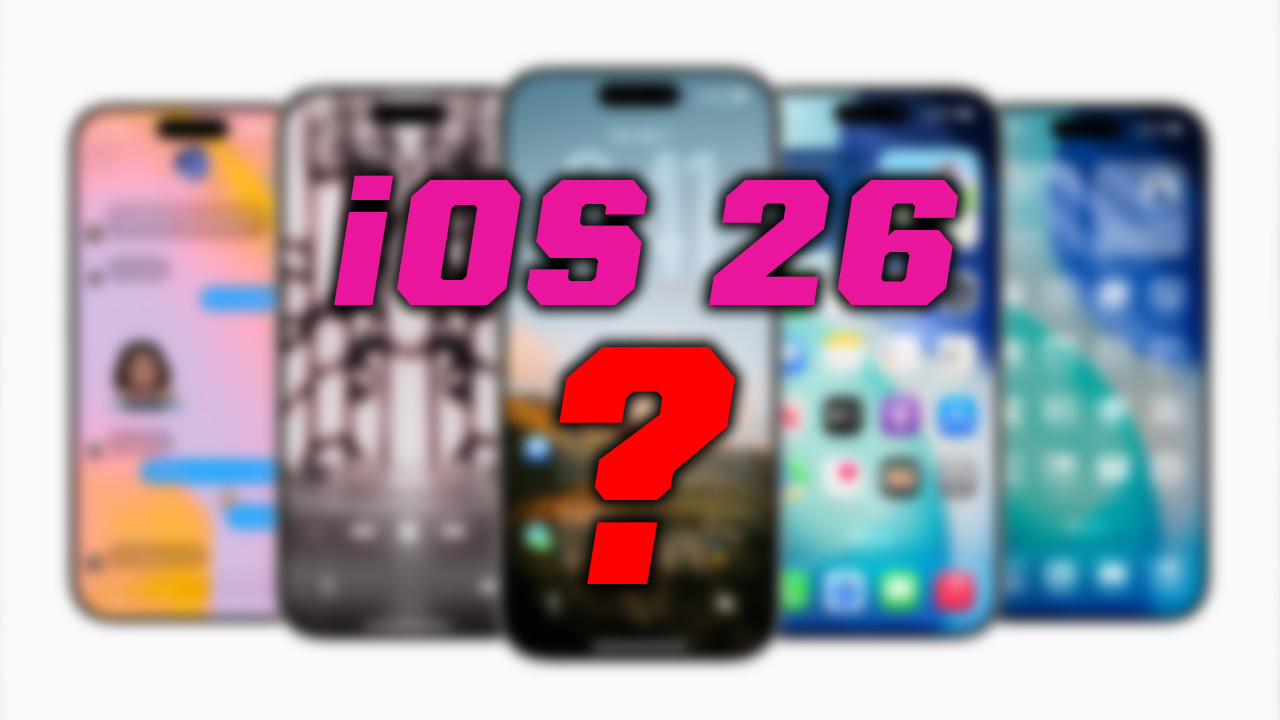
Discover the best iOS 26 features, from spatial lock screens to smart battery insights. Explore the top 10 iOS 26 updates you need now.
Apple has officially rolled out iOS 26, and this update is massive. With more than 400 new features and refinements, it’s one of the biggest iPhone upgrades we’ve seen in years. From lock screen magic to smarter battery tools, iOS 26 is all about personalization, intelligence, and smooth performance.
Instead of getting lost in the hundreds of changes, let’s dive into the 10 most exciting iOS 26 features you should try out right away.
Amazon Prime Big Deal Days
1. Spatial Scenes on the Lock Screen
The lock screen is no longer just static wallpaper. With spatial scenes, your photos come alive with a parallax-style 3D effect. As you move your phone, the subject (like your pet or a person) shifts naturally, while the liquid glass time refracts with the background. You can even position the clock behind your subject for extra depth.
Pro tip: Try moving widgets to the bottom for a cleaner look.
2. Animated Album Artwork
Music lovers will appreciate this one. Now, your lock screen can display animated album art in full screen while a track plays. The time and date adjust into a smaller, sleek font, making the artwork the star of the show. Even the Always-On Display supports it for a seamless music experience.
3. Automix in Apple Music
Forget simple crossfades. Automix uses machine learning to act like a personal DJ—transitioning between songs at the perfect moment based on key and tempo. You’ll find the toggle under Settings → Music → Song Transitions. Once enabled, your playlists will flow with studio-quality transitions.
4. Smarter Screenshots & Visual Intelligence
Screenshots get a huge overhaul:
- Full-page previews for instant markup.
- A new Screen Capture settings panel to toggle features like HDR screenshots.
- Built-in Visual Intelligence, so you can circle an object in your screenshot (like a plant or food) and instantly search Google—or even ask ChatGPT—for details.
There’s also a magnifier tool for pinpoint markup and new options like disabling CarPlay screenshots.
5. Liquid Glass Design
Every corner of iOS now shines with liquid glass UI. Icons, toggles, sliders, and notification bubbles have a translucent, refractive look that reacts to light and movement. It feels fluid, modern, and futuristic—especially paired with Apple’s new clear or tinted icon packs.
6. Revamped Battery Insights
The battery section finally got smart:
- See your charge history and last charge time.
- Track daily and weekly app usage impact on battery life.
- Explore detailed breakdowns per app, including foreground and background drain.
Plus, a new Adaptive Power Mode adjusts brightness, background tasks, and performance automatically when usage spikes. And with Battery Intelligence, your lock screen can predict how long until your set percentage is reached.
7. Smarter Phone App
Two game-changing additions:
- Screen Unknown Callers: Unknown numbers must state their reason for calling before you decide to pick up.
- Hold Assist Detection: Your iPhone detects when you’re on hold and alerts you when someone comes back on the line—so you don’t waste time listening to hold music.
8. Messages Upgrades
Apple turned Messages into a creative hub:
- Per-conversation backgrounds (animated or AI-generated).
- Group polls with real-time results.
- Automatic message translation into your preferred language.
- Mixmoji, a fun way to combine multiple emojis into a custom one.
9. Redesigned Camera & Photos Apps
The Camera app is cleaner, with simplified controls and customizable indicators (remove flash, Live Photo, etc. if you never use them). New lens cleaning hints remind you when your camera glass might be smudged.
The Photos app splits into Library and Collections tabs, making navigation simpler while keeping your newest shots front and center.
10. Podcasts Custom Presets
Podcasts get surprisingly powerful upgrades:
- Enhanced Dialogue makes voices clearer, even with background noise.
- Custom playback speed presets for each show.
- Automatic saving of settings, so your preferences carry over to every new episode.
Final Thoughts
iOS 26 is packed with over 450 new features, but these 10 stand out as the ones you’ll want to experience first. Whether it’s the futuristic lock screen, smart battery insights, or AI-powered music transitions, this update feels like a leap forward for iPhone users.
If you want a full breakdown of every new feature, be sure to check out the complete iOS 26 feature deep dive. But for now—install the update, try these essentials, and enjoy exploring the most advanced iOS yet.





 bonowazamba says: